
Assign from Your Phone, Review Finished Work on Desktop
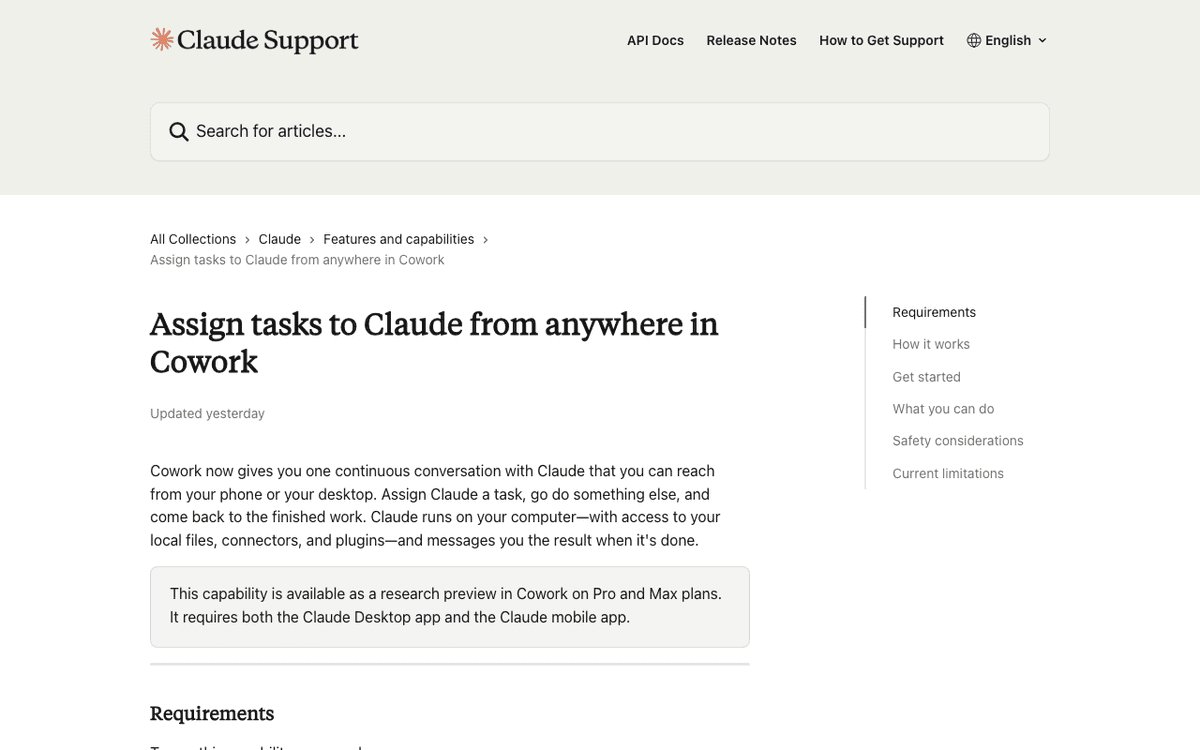
Claude Dispatch is an asynchronous task delegation feature built into Anthropic's Cowork platform. You assign a task to Claude from the mobile app, it gets processed automatically on your desktop, and you come back to the finished result. Anthropic's Felix Rieseberg summed it up on March 17: "assign Claude a task, go do something else, and come back to the finished work." The core idea is simple — convert your time away from the keyboard into productive AI working time.
Background — The Unit of AI Agent Work Is Changing
The context behind this feature is a fundamental shift in how AI agents handle work. The original Claude Desktop app assumed synchronous interaction — you sit in front of the screen and chat back and forth. Cowork gave Claude access to the file system, plugins, and connectors so it could work independently, but task assignment and result review still had to happen on the same device at the same time. Dispatch decouples these two actions across both time and space.
Under the hood, Dispatch synchronizes a single persistent conversation thread between your phone and desktop. When a message sent from mobile reaches the Claude Desktop app, Claude leverages the connectors, plugins, and local file access already configured on the desktop to carry out the work. It also preserves conversation context, so you don't need to re-explain your project setup every time — a meaningful efficiency gain in practice.
 Source: Anthropic
Setup Takes 3 Minutes, But Check the Prerequisites
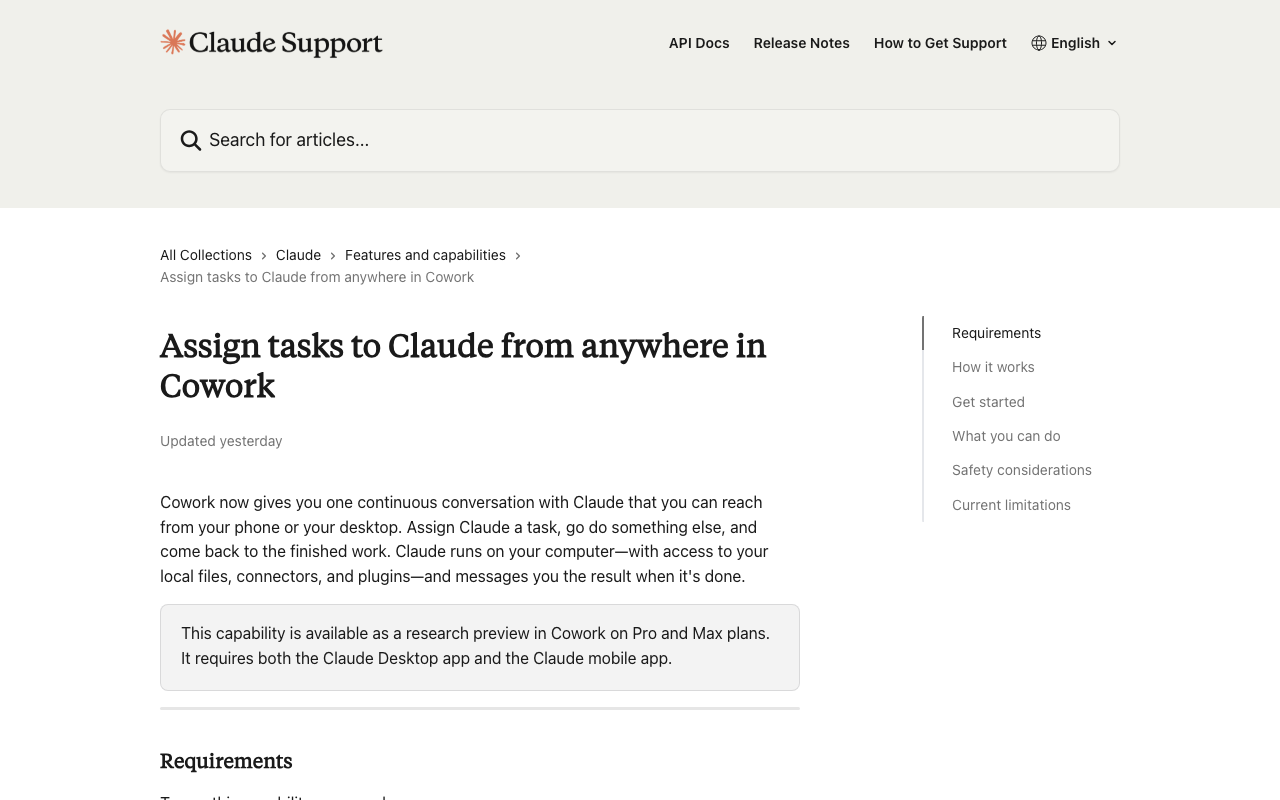
You need four things to use Dispatch: the latest Claude Desktop app, the latest mobile app, a Pro ($20/month) or Max ($100–200/month) subscription, and an active internet connection on both devices. Dispatch is not available on the Free plan. For Team and Enterprise plans, an admin must separately enable Cowork features.
The setup itself is remarkably simple. Open Claude Desktop, navigate to the Cowork section in the left sidebar, and click on Dispatch. Hit "Get started" and you'll see a permissions list — you can individually toggle local file access, plugin usage, and internet access. Finish the permission setup, click "Finish setup," and you're done. No QR code scanning or separate authentication required. On mobile, just log in with the same account and the Dispatch thread syncs automatically.
Pay special attention to the local file access scope. Granting full file system access means a task initiated from mobile could modify files in unexpected directories. Restricting access to specific project folders or setting read-only mode is the safer approach.
The Limitations Are Still Significant
The current limitations are clear. The most fundamental constraint is that your desktop must be awake and the Claude Desktop app must be open. Close your laptop lid or quit the app, and work stops immediately. This directly conflicts with Dispatch's core promise of "assign and walk away." In practice, you need to keep your desktop running at all times, which means disabling energy saver mode or using a utility like Caffeine to prevent sleep.
The single-thread limitation is also a major practical constraint. You can't run multiple projects in parallel across separate threads. If you say "organize these reports" in the morning and "draft this email" at lunch, both tasks queue up in the same thread and process sequentially. The lack of completion notifications is another critical gap — you have to manually open the app to check results, so you're left guessing when to come back. Scheduled tasks within the Dispatch thread are also unsupported.
Early user reports suggest a task success rate of around 50%, indicating it's too early to rely on for mission-critical work. Platform support is limited to macOS and Windows x64 — Windows arm64 and Linux are not supported.
Practical Use Cases
Despite the limitations, Dispatch shines in certain scenarios. The classic example: on your morning commute, you say "summarize yesterday's three meeting notes into a one-page briefing," and a finished briefing awaits on your desktop when you arrive at the office. It's particularly well-suited for inherently asynchronous tasks like document work, data cleanup, and email drafting.
A marketing manager could say "pull last week's campaign data from Google Sheets and draft a weekly report." A legal professional could delegate "review this contract draft and list the risk items." The key is deploying Dispatch for output-oriented tasks that don't require immediate feedback. For brainstorming or decision-making where real-time dialogue matters, the standard synchronous chat in Claude Desktop remains the better fit.
 Source: Anthropic
Dispatch vs. Channels — Same Week, Different Audiences
What's interesting is that Anthropic shipped two related but distinctly different features in the same week. Dispatch launched on March 17; Channels followed on March 20. Both enable "sending work to Claude from somewhere else," but they target entirely different users with different technical foundations.
Dispatch targets general users. No code required — everything is configured through UI within the Cowork app. It's a one-way task delegation from phone to desktop, leveraging Claude Desktop's existing connector and plugin ecosystem. Channels, on the other hand, is built for developers. It uses MCP (Model Context Protocol) servers to push messages from external messaging platforms like Telegram or Discord into a running Claude Code terminal session in real time. Setup requires MCP server configuration, and the operating environment is the terminal.
The platform distinction is equally clear. Dispatch runs on Claude Desktop, a GUI app; Channels runs on Claude Code, a CLI tool. Dispatch conversations are locked to a single persistent thread, while Channels can receive messages from multiple sources simultaneously via an event-driven architecture. If Dispatch opens the door for non-developers to delegate work to an AI agent, Channels extends a developer's coding session into an autonomous agent that reacts to external events.
Releasing both in the same week signals that Anthropic is expanding Claude's agent role along two tracks. For the consumer market, Dispatch offers an "assign and walk away" async workflow. For the developer market, Channels provides an "always-on" real-time reactive agent.
Takeaway — The First Experiment in Async Agent Era
Dispatch's vision is clear: AI works autonomously on your device while you're away, and you just review the results. But the current implementation falls short of that vision. A 50% success rate, single-thread limitation, no notifications, and the requirement to keep your desktop always on create a high barrier for real-world adoption. The lack of completion notifications is particularly at odds with the "assign and walk away" concept — you simply don't know when to come back.
Still, Dispatch sets an important precedent. Cross-device AI agent delegation is a pattern no player has fully nailed yet. Neither Apple Intelligence nor Google Gemini have productized the "assign on phone, process on another device, sync results" workflow. Anthropic has shipped the first commercial implementation of this pattern. If multi-thread support, completion notifications, and cloud-based processing (eliminating the always-on desktop requirement) land in future updates, Dispatch has serious potential as an everyday entry point for AI agents.
References
- Assign tasks to Claude from anywhere in Cowork (Official Guide)
- Felix Rieseberg's Dispatch Launch Announcement (X/Twitter)
- Claude Code Channels Analysis
If you found this useful, subscribe to the spoonai.me newsletter for daily AI industry news every morning. /* 1774103805 */