
browser-use/browser-harness — A Self-Healing Browser Harness Where the LLM Writes Its Own Missing Code
592 lines of Python, zero framework dependencies, direct WebSocket CDP connection to Chrome. Self-healing agents that edit helpers.py at runtime. Show HN debut, 8,800 stars, 380/day growth.
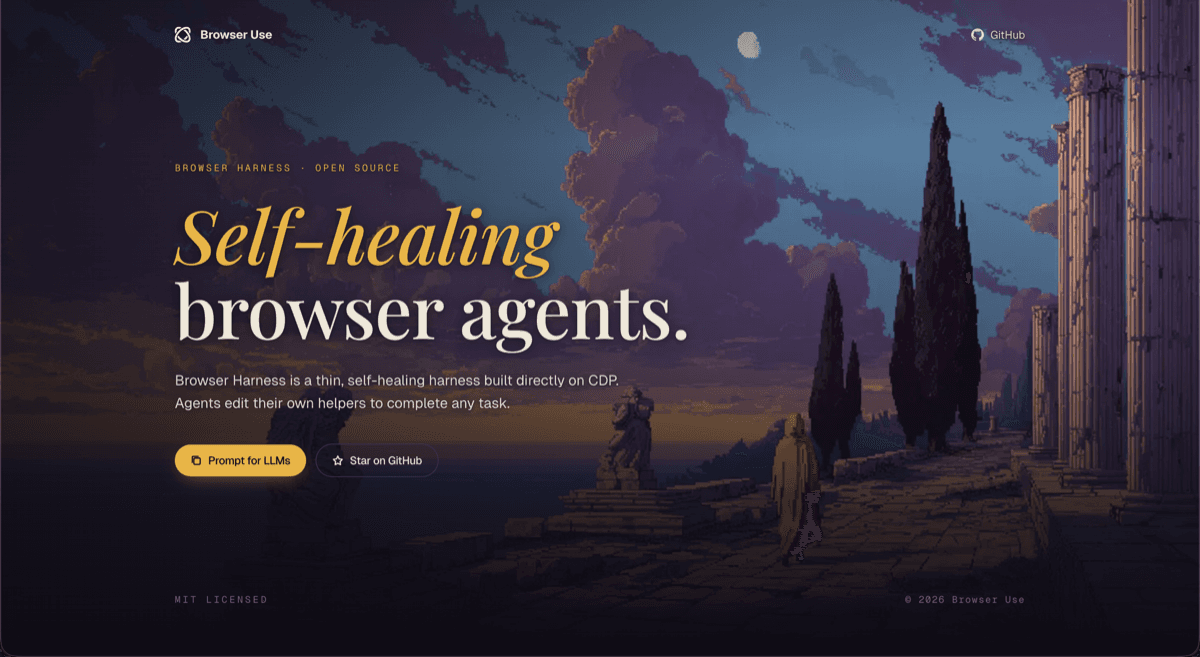
592 Lines to Control an Entire Browser
Install Playwright. Install Selenium. Match the driver version. Configure headless mode. Set up a virtual display for CI. If you have ever done browser automation, you know the ritual. browser-harness skips all of it. It is 592 lines of Python with zero framework dependencies. One WebSocket connection straight to Chrome via CDP. That is the entire stack. It debuted on Show HN and pulled 8,800 stars at a pace of 380 per day.
The part that makes people stop scrolling is the self-healing. When the agent needs a function that does not exist yet, it asks the LLM to write it, appends the code to helpers.py, and executes it on the spot. The LLM fills in its own missing capabilities at runtime. This is not a test framework with a clever retry loop. It is agent infrastructure that grows while it runs.
Background -- The browser-use Ecosystem and Why Direct CDP
To understand browser-harness, start with browser-use. browser-use is an AI browser agent framework backed by a $17M seed round. You give an LLM a browser and tell it "do this task on this website." The LLM clicks, types, scrolls, and navigates. It is one of the most active browser agent repos on GitHub right now.
Under the hood, browser-use sits on top of Playwright. Playwright is Microsoft's browser automation framework, originally built for end-to-end testing. It works great for tests, but agent workloads expose its limits. The abstraction layer is thick. When an agent wants to fire a specific CDP command or intercept network traffic in a particular way, Playwright's API may not expose it directly. The overhead adds latency. The version-pinned browser binaries add complexity.
browser-harness strips all of that out. No Playwright, no Selenium, no puppeteer. It connects to Chrome's built-in CDP (Chrome DevTools Protocol) over a raw WebSocket. CDP is the same protocol your DevTools uses when you open the Network tab. Through it, you can take screenshots, walk the DOM, intercept network requests, execute arbitrary JavaScript, and manipulate cookies. browser-harness wraps this in 592 lines and hands it to an agent.
This was a deliberate architectural choice by the browser-use team. They built the high-level agent framework first, hit the walls of Playwright for agent use cases, and then went one layer deeper. browser-use is the high-level orchestrator. browser-harness is the low-level control surface underneath it. Both live under the same GitHub org because they are designed to work together.
The timing matters. Agent browser automation in 2026 is moving from demos to production, and the reliability gap is widening. Websites change layouts constantly. Dynamic rendering makes timing unpredictable. Login sessions expire. CAPTCHAs appear. These problems are not solved by smarter LLMs. They are solved by better harnesses.
Core Feature -- How Self-Healing Actually Works
Self-healing is the headline feature, so it is worth unpacking exactly what happens under the hood.
Say the agent is trying to send a connection request on LinkedIn. It looks for a function in helpers.py that handles this. The function does not exist. Instead of throwing an error and stopping, the agent calls the LLM with context about the current page state and the desired action. The LLM generates a Python function. The agent writes that function to helpers.py and immediately calls it.
# Example: function added to helpers.py at runtime
async def click_linkedin_connect_button(page):
    """Find and click the Connect button on a LinkedIn profile page."""
    connect_btn = await page.evaluate('''
        () => {
            const buttons = document.querySelectorAll('button');
            for (const btn of buttons) {
                if (btn.textContent.includes('Connect')) {
                    return btn.getBoundingClientRect();
                }
            }
            return null;
        }
    ''')
    if connect_btn:
        await page.click(connect_btn['x'], connect_btn['y'])
This is fundamentally different from traditional RPA. In traditional RPA, a human writes the scenario. When the website changes, the human fixes it. In browser-harness, the agent extends its own scenario. The starting set of functions is small, but helpers.py grows richer with every new task the agent encounters.
The domain-skills/ folder extends this further with community-contributed recipes. There are already site-specific skill sets for LinkedIn automation, Amazon shopping, and expense filing. Anyone can submit a PR to add a new domain skill. It is the beginning of a plugin ecosystem for browser agents.
Self-healing has obvious limits. LLM-generated code is not always correct. A bad function in helpers.py can break subsequent runs. The verification layer is thin right now. But the philosophy of "try something rather than stop" turns out to be surprisingly practical for agent automation, where partial progress is usually better than a hard failure.
Tech Stack + Architecture -- One WebSocket to Rule Chrome
The architecture is remarkably simple. The entire core is 592 lines of Python. External dependencies are limited to the websockets module and the Python standard library. There is no driver binary to manage, no browser version to pin, no framework to keep updated.
The key is Chrome's --remote-debugging-port flag. Launch Chrome with this flag and it exposes a CDP endpoint. browser-harness connects to that endpoint over WebSocket and communicates via JSON-RPC messages. Every browser capability that CDP exposes is available: page navigation, DOM manipulation, network monitoring, screenshots, JavaScript execution, cookie management.
The flow looks like this:
- Start Chrome with remote debugging enabled
- Connect to the CDP WebSocket endpoint
- Send JSON-RPC commands to the browser
- Receive responses and events asynchronously
- Compose high-level actions from helpers.py functions
- If a function is missing, self-heal by generating it
The transparency is a major advantage. With Playwright or Selenium, debugging a failed automation often means digging through abstraction layers. With browser-harness, CDP messages flow directly between your code and Chrome. You get the same visibility as opening DevTools manually.
The browser-harness-js port follows the same architecture for the Node.js ecosystem. The Python version is the primary implementation. The JS version tracks it as a community-maintained port.
Competitor Comparison
The competitive landscape for browser agent tooling is worth mapping out. Each project takes a notably different approach.
browser-harness is 592 lines of Python with direct CDP access and self-healing. No framework dependency. MIT license. The differentiator is the agent writing its own code at runtime. 8,800 stars.
browser-use/browser-use is the sibling project and high-level agent framework. It sits on Playwright and provides a natural language interface for browser tasks. $17M seed funding. Much higher star count. Easier to use but thicker abstraction layer. Designed for people who want to tell an LLM "book me a flight" without thinking about selectors.
Skyvern-AI/skyvern takes a vision-first approach. Instead of parsing the DOM, it screenshots the page and uses a vision model to decide where to click. This makes it resilient to selector changes but slower and more expensive due to vision model inference costs. Strong on complex form workflows.
microsoft/playwright is the established E2E testing framework. Not built for agents, but many agent projects build on top of it. Most mature. Best documentation. Most edge cases handled. But the abstraction layer is designed for deterministic test scripts, not the open-ended exploration that agents need.
The positioning is clear. Playwright is the stable foundation. browser-use is the agent layer on top. browser-harness removes Playwright entirely and goes straight to CDP. Skyvern sidesteps the DOM altogether in favor of vision. Each bet makes sense given its own assumptions about where browser automation is heading.
Why It Is Blowing Up Now
The first half of 2026 is the transition point where "agents using browsers" moves from experiment to production. OpenAI's GPT-5.5 hit 56% on OSWorld. Anthropic shipped computer use as a built-in feature for Claude. The LLMs can now operate browsers. What they lack is reliable infrastructure to do it at scale.
That infrastructure gap is exactly what browser-harness targets. The smartest LLM in the world still needs a harness that handles session management, dynamic rendering timing, network interception, and error recovery. Websites break in ways that LLMs cannot predict. The harness is the shock absorber.
browser-harness landed on Show HN at exactly the right moment. Developers who had been building Playwright-based agents were already asking "why do I need this middle layer? Can I just talk to CDP directly?" browser-harness answered that question with 592 lines of code, and the Hacker News community responded.
The broader market context reinforces this. The RPA market was roughly $15B in 2025. LLM-powered agents are now eating into legacy RPA platforms like UiPath and Automation Anywhere. Open-source tools like browser-harness serve as the infrastructure layer for this shift. The fact that browser-use raised $17M signals investor confidence that this market is large enough to build a company around.
The 380 stars per day growth rate is strong for this category. The browser-use brand brought initial traffic, and the self-healing feature is keeping engagement high. Community contributions to domain-skills/ are accelerating, which is a healthy signal for long-term sustainability.
Getting Started
Setup is minimal because dependencies are minimal.
# Clone the repo
git clone https://github.com/browser-use/browser-harness.git
cd browser-harness

# Install dependencies (just websockets)
pip install -r requirements.txt

# Launch Chrome with remote debugging
# macOS
/Applications/Google\ Chrome.app/Contents/MacOS/Google\ Chrome \
  --remote-debugging-port=9222 \
  --user-data-dir=/tmp/chrome-harness

# Linux
google-chrome --remote-debugging-port=9222 \
  --user-data-dir=/tmp/chrome-harness

# Run the harness
python harness.py --url "https://example.com"
Common pitfalls to watch for:
If Chrome is already running, the remote debugging port will conflict. Close all Chrome instances first, or use a separate --user-data-dir to launch a fresh profile.
On WSL, Chrome's GUI may not render. Either add --headless or connect to a Windows-side Chrome instance and point the harness at its debugging port.
Since self-healing modifies helpers.py, track that file with git in production. You want to be able to roll back a bad function that the agent generated.
The domain-skills/ recipes are pinned to specific website layouts at the time they were written. When LinkedIn ships a UI redesign, existing recipes may break. Self-healing will attempt a fix, but complex multi-step flows are safer to update manually.
Limitations and Outlook
Security is the biggest concern. An agent that writes and executes code at runtime is inherently vulnerable to prompt injection and malicious inputs. If someone tricks the LLM into writing harmful code in helpers.py, that code runs with the agent's permissions. In production, run browser-harness inside a sandbox and add a human approval step for helpers.py changes.
The 592-line advantage has a flip side. A small core means limited built-in functionality. Multi-tab management, file download handling, and authentication flow automation are areas that still depend on community contributions to helpers.py. Playwright has spent years accumulating edge case handling. It will take time for browser-harness to cover similar ground through its community-driven model.
The outlook is positive. The agent browser automation market is growing. Direct CDP access is architecturally sound. The browser-use ecosystem provides a built-in distribution channel. In the short term, the growth of domain-skills/ recipes will determine adoption velocity. In the long term, adding a verification layer for self-healed code would significantly boost trust. If that happens, browser-harness has a credible path to becoming the standard runtime for browser agents.
References
출처
관련 기사
AI 트렌드를 앞서가세요
매일 아침, 엄선된 AI 뉴스를 받아보세요. 스팸 없음. 언제든 구독 취소.